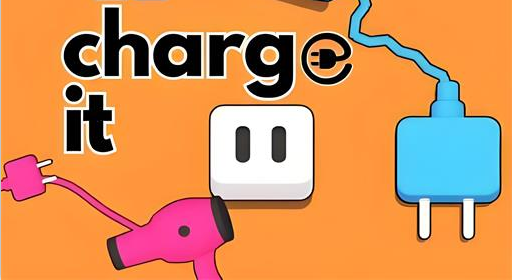
Master the strategic plug placement puzzle
Charge It turns a familiar everyday hassle into a tidy brain teaser. Your mission is simple: place every charger into the limited outlet slots while navigating walls and obstacles.
Start with easy wiring puzzles and work up to trickier setups that require careful planning. The pace is calm, the challenges are clever, and each level is designed to reward clear thinking.
Play instantly in desktop or mobile browsers — no installation required.
Dozens of carefully designed stages that grow steadily in challenge.
Drag-and-drop or tap to move plugs and interact with devices.
Switches, blockers and special items force you to plan steps ahead.
Scan first: Before you touch anything, take a moment to view the whole layout and identify pinch points.
Work from the outside: Free up space near walls and corners so you don't trap plugs.
Use switches wisely: If a level has switches that move obstacles, experiment with their order — timing matters.
Restart quickly: If you spot a trap, restart and try a different sequence — many puzzles are about order, not speed.
Minimal moves: Aim for concise solutions; replaying a level to reduce moves is a rewarding challenge.
Click the refresh  button at the top of the game area to restart the game.
Charge It supports running on browsers (desktop, mobile, tablet),